Verified by Philippine Payment Specialists
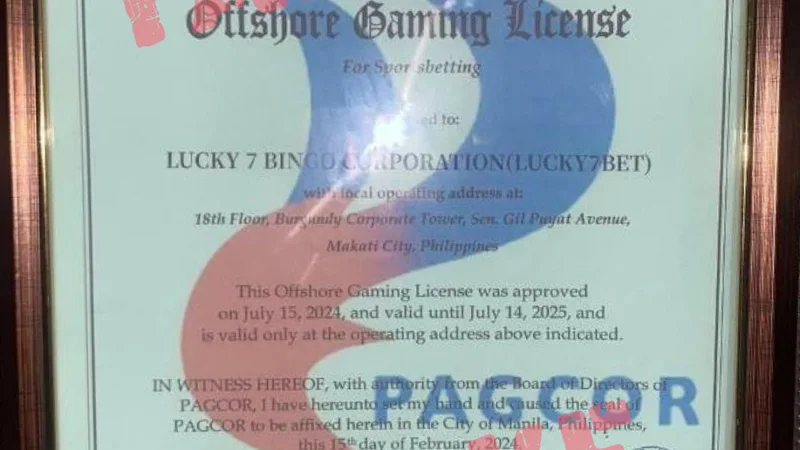
All deposit channels documented on this page have been tested through active Philippine transactions under regulations supervised by the Bangko Sentral ng Pilipinas and PAGCOR.
Select Payment Channel
Open 789BINGO Cashier
Log into your account via mobile browser or installed APK app. Tap the "Deposit" button on top of the lobby.
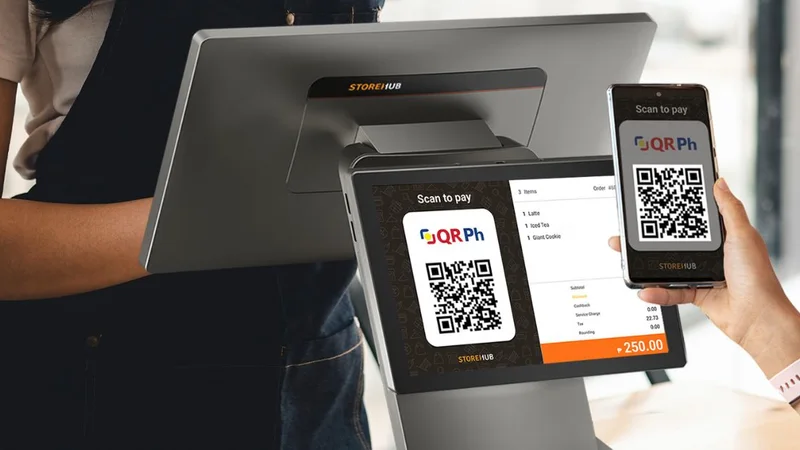
Choose QRPH / GCash Gateway
Select QRPH or Direct GCash. Enter your deposit amount (₱50 minimum) and tap "Confirm".
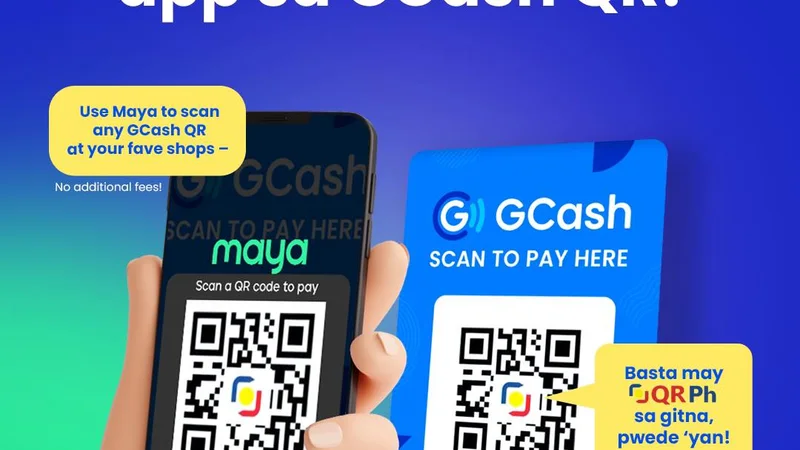
Scan QR in GCash App
Screenshot the dynamic QR code. Open GCash, tap "Scan QR", select the image from your gallery, and authorize payment with your MPIN.
Receive Instant Balance Credit
Once GCash issues your SMS Reference Number, return to 789BINGO. Your balance updates within 1 to 3 minutes.
Select Maya in Cashier Menu
Select Maya from the payment options list. Input an amount of at least ₱100.00.
Authorize via Maya QR or Redirect
Scan the merchant QRPH code with your Maya app scanner or log in via the encrypted payment gateway.
Verify Inbound Balance
Funds reflect in your gaming balance within 60 to 180 seconds with zero operator handling fees.
Select Online Banking
Supported institutions include BDO, BPI, UnionBank, and Metrobank via InstaPay channels.
Transfer to Assigned Account
Copy the designated corporate account number and exact reference code before transferring.
Channel Comparison & Limits
| Channel | Min Deposit | Max Single Cash-In | Speed | Handling Fee |
|---|---|---|---|---|
| GCash Direct | ₱50.00 | ₱50,000.00 | 1 – 3 Mins | 0% Free |
| Maya E-Wallet | ₱100.00 | ₱50,000.00 | 1 – 3 Mins | 0% Free |
| QRPH Universal | ₱50.00 | ₱30,000.00 | Instant – 2 Mins | 0% Free |
| Online Banking | ₱200.00 | ₱100,000.00 | 5 – 15 Mins | Bank-dependent |
Payment Troubleshooting & FAQs
Wait five minutes, then take a screenshot of your e-wallet transaction receipt showing the Reference Number. Open Live Chat on 789BINGO, and support will manually match and credit the transaction.
No. For anti-money laundering compliance, third-party deposits are strictly prohibited. The legal name on your funding wallet must correspond with your registered 789BINGO account profile.
No. 789BINGO does not impose transaction or handling fees on GCash or Maya deposits. The full Peso amount transferred is credited directly to your gaming wallet.
While standard minimum deposits start at ₱50 to ₱100, specific events (such as the First Deposit Welcome Match or Lucky Spin tickets) typically require a minimum single cash-in of ₱200.
Navigate to User Center > Withdrawal, select your bound GCash or Maya account, ensure your standard 1x deposit turnover is fulfilled, and submit. Funds settle within 15 to 45 minutes.